
01
Send the signal.
Create your celebration and share its QR code or invite link. One scan brings your people together.
They bring the photos. You bring the party.
Turn everyone’s favorite moments into a live slideshow worth gathering around.
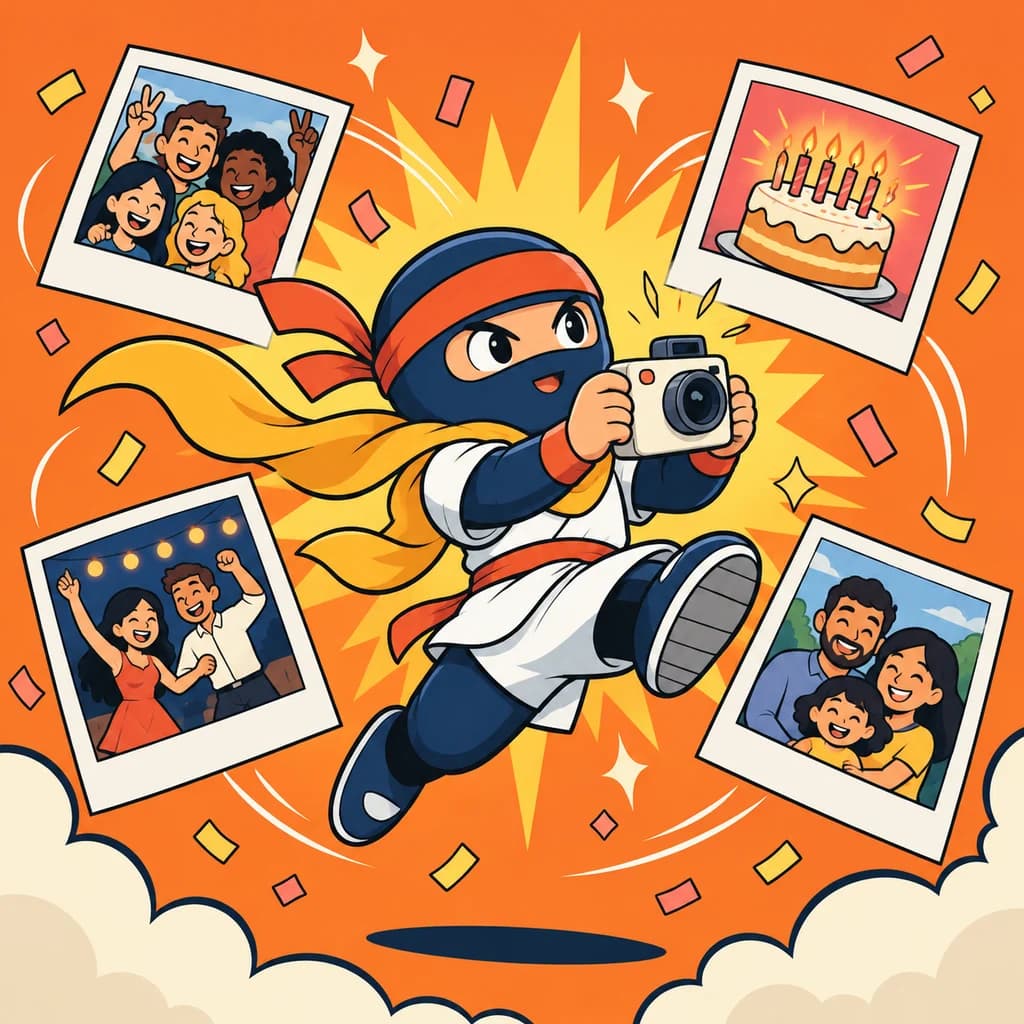
No chasing group chats. No collecting attachments.
Just one place for everyone’s best shots.
Create your celebration and share its QR code or invite link. One scan brings your people together.
Guests add photos and a little message, straight from their phones. No downloads. No guest accounts.
Play everyone’s memories on the big screen as new photos arrive. Then save a video to relive the good stuff.
New photos join the slideshow as guests share them. The best moments keep coming.
Pick a soundtrack, set the pace, and add opening and closing messages. You control what makes the cut.
Download a video keepsake or the whole photo collection. Give the memories an encore.

“The whole gang. Here’s to many more like this!”
A memory from MayaA little preview of a big night. Try the controls.
No secret handshake required.
Nope. Guests scan your QR code or open your invite link in their browser, choose their photos, and add an optional name and message. Only the host needs to sign in.
Yes. Open the slideshow link in a compatible TV browser, or connect or mirror your laptop to the TV. Switch to fullscreen and let the memories roll.
Yes. You can make a video keepsake or download the ordered photos and captions as a ZIP file. Video export runs in a compatible browser; keep the tab open while it finishes.
You’re in charge. Reorder photos, edit names and messages, hide contributions, require your approval for new photos, and close uploads whenever you’re ready. Share the invite with the people you want to join.
The blurry dance moves. The old-school throwbacks.
The people who make it all worth remembering.